Direct answer
The best workflow automations for solar EPCs remove a handoff someone would otherwise have to remember: creating projects from the CRM, sending quote requests when the design is set, running permits and interconnection in parallel, scheduling service and roof work before install, notifying customers when crews leave, logging daily progress and sending partners weekly pipeline reports. Solar workflow automation works best when each project phase has its own workflow, triggered by a status change, in software that connects to the CRM instead of replacing it.
Key Takeaways
- Every project at the guest’s EPC is created automatically from a sales partner’s CRM or a scheduling tool, apart from the occasional referral.
- Quote requests go to engineering partners and the racking vendor as soon as the layout and racking are chosen, a step that is easy to miss across a dozen concurrent projects.
- Service upgrades and roof work are scheduled before installation, so crews do not put material on a roof that cannot be connected.
- One project template covers residential and commercial work, and a project-type field decides which commercial-only steps apply.
- Each external sales partner receives a pipeline report automatically every week, ready for the weekly check-in.
- Status changes push back into partners’ CRMs, so a completed survey shows there without anyone sending an email.
- Automation sets the baseline, and the guest’s crews still make a manual call-ahead to customers.
Where Do These Ten Automations Come From?
These are the workflow automations the VP of Operations at a commercial EPC described running today, in a Scoop webinar on moving from residential into commercial solar. His company builds residential projects for external sales partners, so it has no internal residential sales team, and it builds commercial projects for developer partners. That means many outside parties pushing work into one pipeline.
From 13 lanes to five project phases
Captain Power’s VP of Operations shows how his team split its process into five phases, the structure these ten automations run on.
The list runs in project order, from sale to closeout, and the table gives the trigger and audience for each one.
10 Automations at a Glance
| Automation | Trigger | Who it reaches |
|---|---|---|
| Create projects from the CRM or scheduling tool | Deal reaches the agreed stage, or a survey is booked | Operations team |
| Push status back to the partner CRM | A phase is marked complete | Sales partner |
| Send quote requests when the design is set | Layout and racking selected | Engineering partners, racking vendor, commercial team |
| Run permits and interconnection in parallel | Project enters approvals | Permitting and interconnection coordinators |
| Schedule service and roof work before install | Project marked ready for scheduling | Service crew, roofing team |
| Notify warehouse, construction manager and customer | Install scheduled; crew leaves the warehouse | Warehouse, construction manager, customer |
| Close each install day with a status and daily log | Crew lead marks the day complete or incomplete | Project manager |
| Add commercial-only steps by project type | Project type set to commercial | Procurement and commissioning leads |
| Send weekly pipeline reports per partner | Weekly schedule | Each sales partner |
| Flag reschedules on a drill-down dashboard | Survey rescheduled | Operations leadership |
The 10 Best Workflow Automations for Solar Epcs
Each automation below replaces a manual handoff with a trigger, and each one is running at the guest’s company today.
1. Create Projects Automatically From the CRM and Scheduling Tool
Projects should arrive in your operations platform from the sales system, not be typed in by hand. At the guest’s company, nearly every project is generated automatically. Larger partners connect their CRM directly. Smaller ones book survey appointments through a scheduling tool, and the booking creates the project with the customer information the sales team is required to enter.
The setup starts with a mapping document that lists which CRM field fills which project field. The guest builds that map with the Scoop integration team, which then builds the connection and its triggers through Scoop’s managed integration service. His company has no internal development team, and he describes the arrangement as “just me and Scoop.” Removing the re-keying is the point, which we cover in eliminating double data entry between CRM and field tools.
2. Push Status Back to Each Partner’s CRM
When a phase finishes, the partner’s CRM should update itself. The guest’s surveyor marks a survey complete, and the partner’s CRM moves the deal to “survey complete” without an email. Partners’ stage names do not need to match his, because the trigger maps one to the other. Partners who prefer can also be invited into the operations platform to watch work move in real time. More on why the two-way link matters is in the benefits of CRM and field service software integration.
3. Send Quote Requests the Moment the Design Is Set
Send RFQs to engineering partners and vendors as soon as the layout and racking are chosen. When the team finalizes a layout, the racking selection is recorded in fields prepared in the project template. In the guest’s setup, that selection decides who receives a quote request. Engineering partners get the project details they need without anyone retyping them, and when the chosen racking is bought direct from the manufacturer, the manufacturer gets the request too, with the commercial team copied.
The same approach covers specialty subcontractors. On a 1.2 MW project across a dozen apartment buildings, the trenching scope alone can pass $100,000, which is work a solar EPC subcontracts.
4. Run Permits and Interconnection as Parallel Workflows
Split the approvals phase into two tracks so permitting and interconnection run at the same time. Interconnection is often the longest wait on a commercial project. Berkeley Lab found that 76% of distributed projects over 100 kW that applied between 2020 and 2025 were still in the interconnection process (Berkeley Lab, 2026). Waiting for a permit before starting that clock adds months.
The guest’s rule for this workflow is visibility. Someone in management should be able to open the approvals phase and see where each project stands, rather than a single box that says approvals are in progress.
5. Schedule Service Upgrades and Roof Work Before Installation
Installation scheduling should wait until service upgrades and roof work are done. The guest’s workflows branch into separate scheduling paths for each type of work. Service upgrades are completed before installation so the team does not hit a utility problem with material already on the roof, a situation that is bad for the company and for the customer.
See it on a real project
Watch your sale-to-install workflow run in Scoop
Book a demo and we’ll walk through how your own projects would move through Scoop, including the connection to your CRM.
6. Notify the Warehouse, the Construction Manager and the Customer in Sequencee
One status change should set off every notice that follows it. When a project is marked ready for scheduling and then scheduled, the warehouse is notified to prepare material. The warehouse notifies the construction manager when it is ready to go, and the customer is told as soon as the crew leaves the warehouse.
7. Close Every Install Day With a Status and a Daily Log
At the end of each day the crew lead marks the job complete or incomplete, and an incomplete job requires a daily log. The log records what was done, what was not, progress photos and what needs to happen next.
Commercial installs stay in an installation-ongoing stage for about two months, so the daily log repeats. Scoop forms let fields and whole sections repeat, so one form collects every day’s entry, and the field mobile app captures it offline.
8. Add Commercial-Only Steps With a Project-Type Field
Run one project template for residential and commercial work, and let a project-type field decide which commercial steps apply. The guest started with separate templates and dropped them, because maintaining both meant double work. The overall process is the same once a contract is signed and financed, so project-level fields stay universal.
Commercial detail lives in commercial-only steps. A procurement step holds a long checklist of model numbers and quantities to confirm before ordering. A testing and commissioning step, which he is building now, collects detailed data and exports it as one PDF report stored on the project. The split is by business unit rather than by size, so a small commercial job can still go to the residential team.
9.Send Each Sales Partner a Weekly Pipeline Report
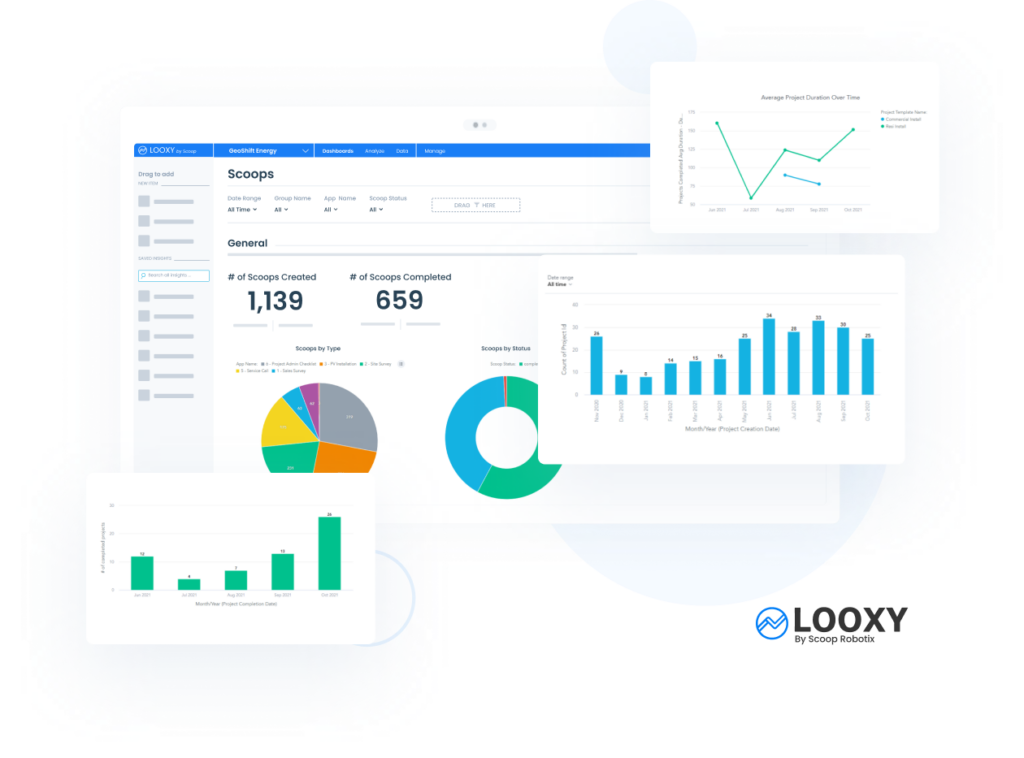
Weekly pipeline reports per partner keep every sales organization informed without anyone building the report by hand. The guest’s team organizes the pipeline by sales organization and sends each partner its own status report automatically through LOOXY reporting and analytics. Partners see progress week over week before each weekly check-in.
10. Flag Reschedules on a Dashboard You Can Drill Into
A dashboard of completed and rescheduled surveys shows patterns a list cannot. The guest’s team noticed that last week’s rescheduled surveys all came from the same sales rep. That let them tell the partner, which helps the partner coach its own team.
What Should You Look for in Solar Workflow Automation Software?
Look for software that connects to your CRM instead of replacing it, lets your team build and change workflows per phase, and handles parallel and branching work.
- Two-way CRM connection, so projects are created from sales and status flows back.
- A workflow per phase, with branching and parallel paths such as permits and interconnection.
- Triggers from status changes and field values, so handoffs do not depend on memory.
- Access for subcontractors and partners limited to their own work.
- Offline field capture with required photos and repeatable daily logs.
- Portfolio reporting by partner, with drill-down.
- Freedom for your own team to change workflows after go-live.
Spreadsheets, an All-In-One Platform or an Operations Hub: Which Fits a Solar Epc?
The right fit depends on how many specialist tools your team relies on and how quickly you are adding work such as commercial projects. Each approach has a place, and the table sets them side by side.
Three ways to run solar EPC workflows
| Approach | Where it works well | Where it strains | Fits best when |
|---|---|---|---|
| Spreadsheets, email and group chat | Free to start and flexible for a small team | Every handoff depends on someone remembering it, and status lives in many places | Volume is low and one person sees every project |
| All-in-one solar platform | Easier to start, with canned workflows and essential functions in one place | Strong in a few areas and thin in others, so teams add specialist tools and connect them by hand | A team is starting out and needs only essential capabilities |
| Operations hub connected to the CRM, design and accounting tools | Each specialist keeps their tool, and workflows run across all of them | Asks more at the start, because the stack has to be connected | Volume is growing, or partners and new work types are being added |
Either way the rest of the stack has to be connected. The question is whether the platform that connects them is designed to be a hub, or whether these integrations will be the afterthought. A change of CRM should mean changing one integration rather than replatforming the entire operations team.
How Do You Start Automating Workflows Without Overbuilding?
Map the lanes of work first, then decide who does each piece of work, and only then build the workflows.
Take the information that lives in your spreadsheet today and assign each piece to the lane where it is used. Then ask who does the work in each lane, and use those answers to build the workflows. Start linear and add splits where work really runs in parallel.
Our guide to solar project management software covers how to compare platforms once the lanes are clear.
Where Does Scoop Fit?
Scoop is the operations hub that runs these workflows: it owns install and service management, field capture and team and subcontractor communication, and it connects the CRM, design and accounting tools around it. Your sales team keeps its CRM and your designers keep their design tool.
Workflows live in project templates and automations your own team can change after go-live. Integrations are fully managed and hosted by Scoop and monitored for you. Plans include unlimited users, so subcontractors and partners work in the system with visibility set by role, and a named customer growth team keeps consulting and configuring with you as the business changes. Plan details are on the pricing page.
Frequently Asked Questions About Solar Workflows
What is solar workflow automation?
Software rules that move a solar project to its next step and notify the right people when a status or field changes. Examples include creating projects from the CRM, sending quote requests when the design is set and notifying a customer when the crew leaves.
Should a solar EPC run its sales process in its project management software?
No, in the guest’s view. Keep sales in a CRM built for it and connect that CRM to the operations platform, so projects are created automatically and status flows back.
Can one project template handle residential and commercial projects?
Yes. The guest runs one template with universal project fields, plus commercial-only steps for procurement and commissioning that a project-type field switches on.
How many phases should a solar project workflow have?
About five: site assessment, engineering, approvals, installation and closeout. Splitting a project into many more lanes makes it hard to see where a job stands.
Do automated notifications replace calling the customer?
No. The guest’s team sends automated en route notices and still makes manual call-aheads, because automation sets a baseline and the personal contact keeps the relationship.
Can sales partners see project status without logging in?
Yes, when status is pushed back to their CRM. Partners who prefer can also be given access to watch work move in the operations platform.