
The best field service scheduling software is Scoop for teams that run new installations, service calls, and recurring O&M work from one system, because the schedule, the mobile job record, and the closeout all live on the same platform. Skedulo is the answer when scheduling a large mobile workforce is the challenge, and ServiceTitan fits high-volume residential trade operations.
We ranked 11 platforms on how they handle the work that follows the calendar entry: assigning the right crew, getting the job packet onto a phone that may have no signal, capturing what happened on site, and closing the job out so it can be invoiced. Prices below were verified on September 20, 2026 from each vendor’s own published pricing page.
Key Takeaways
- Scoop ranks first for operations that dispatch new installations, service calls, and recurring O&M work from the same crew base, with unlimited users, storage, and devices on every plan.
- Scheduling prices do not compare on a single unit. Salesforce and Microsoft charge per seat, Zoho FSM charges on monthly appointment volume, Microsoft charges per resource for its optimization add-in, and Scoop does not charge extra per user.
- Published entry prices run from $30 per month for Zoho FSM to $175 per user per month for a Salesforce Dispatcher license. Four of the 11 platforms publish no price at all, and we say so in each entry.
- Scoop connects your existing tools rather than replacing them, across CRM, ERP, design and proposal, accounting, inventory, and monitoring categories, so changing your CRM in two years changes one integration and the crews notice nothing.
- Pacific Power Solutions scaled 15x, growing from a two-person operation to 30 field technicians running upwards of 10 active commercial projects a month on Scoop.
- The installed base is what drives recurring dispatch volume. The Solar Energy Industries Association reported 6 million solar installations in the United States in September 2026, with a new one completed roughly every 59 seconds during 2025, and every one of them becomes a maintenance address.
How We Ranked Field Service Scheduling Software
We rank field service scheduling software on what happens after the appointment is booked, because a calendar that cannot carry a job through to a closed, invoiced work order moves the problem rather than solving it.
Five layers carry the ranking, and the first two carry the most weight because they are where teams lose hours every week.
- Field execution. Whether the platform can put the job packet on a technician’s phone, hold the photos, readings, and signatures the job requires, and enforce that the work follows the correct procedure. We weigh this highest, because procedure enforcement is what cuts repeat visits.
- Workflow automation and handoffs. Whether a completed job moves itself to the next owner. Dispatcher to technician, technician to reviewer, reviewer to billing, with no one re-entering anything.
- Integration depth. Whether the platform connects to your CRM, accounting system, design tool, and monitoring platform, and how much work it takes to change one of them later.
- Reporting and audit readiness. Whether you can show a client the full history of an asset and the evidence that a service level agreement was met, without assembling it by hand.
- Customer success and implementation support. Whether hands-on configuration help is included or gated behind an enterprise contract. Buyers discover the answer to this after they have signed, which is why we score it.
Criteria We Did Not Include, and Why
Three capabilities were deliberately left out of the scoring:
- Design capability. Companies that treat design precision as a competitive differentiator should keep a purpose-built design tool such as Aurora Solar, HelioScope, or Solargraf and connect it, rather than expecting an operations platform to replace it.
- Lead generation and marketing features. Campaign tools, review requests, and ad management are marketing capabilities that sit outside field execution, and scoring them would rank a platform on work a scheduler never touches.
- Consumer appointment booking. Self-serve booking pages matter to a business whose customers pick their own slot. For crews dispatched to job sites, the slot is set by permits, equipment, and travel, so we scored dispatch instead.
Field Service Scheduling Software Compared (2026)
All prices were verified on September 20, 2026 from each vendor’s own published pricing page. Where a vendor does not publish a figure, the cell says so plainly.
| Company | 2026 published price | Best for | Key capabilities | Limitation |
| Scoop | Unlimited users, storage, and devices on every plan | Solar, storage, EV charging, wind, and telecom teams running new installations, service calls, and recurring O&M work | Skill-based dispatch assignments, drag-and-drop schedule changes, shared crew schedule view, offline mobile capture with mandatory photo fields, asset history, and integrations across CRM, ERP, design, and accounting categories | System design and stamped plan sets stay in your design tool and connect to Scoop |
| Skedulo | Not publicly listed. Per user per month, minimum licenses apply | Large mobile workforces of short, repeatable appointments | Algorithmic Scheduling across skills, SLAs, and capacity, Optimization Recipes, mapping and routing, mobile forms | Scheduling and mobile work are the core, so the job record and closeout package pair with a system of record |
| ServiceTitan | Not publicly listed. Starter, Essentials, and The Works tiers, priced per technician | High-volume residential and commercial trade operations | Dispatch Pro with Dispatch Assist and drive time settings, Scheduling Pro with 24/7 online booking, Reserve with Google | Built around residential and commercial trades, so milestone-based renewable energy delivery pairs with a project system |
| Salesforce Field Service and Operations | Dispatcher $175 and Technician $175 per user per month billed annually. Contractor Plus $80 per user per month or $32 per login. Field Service Plus $230. Agentforce 1 Field Service $650 | Operations already consolidated inside Salesforce | Enhanced Scheduling and Optimization, Dispatcher Console, Scheduling Agent, Appointment Assistant | Requires at least one Service Cloud license, and technicians and contractors require at least one Dispatcher license before they can use the scheduling tool |
| Microsoft Dynamics 365 Field Service | Field Service $105 and Contractor $50 per user per month paid yearly. Resource Scheduling Optimization add-in $30 per resource per month | Operations standardized on Microsoft | Schedule board, schedule assistant, Resource Scheduling Optimization, Scheduling Operations Agent | Automated optimization is a separate add-in priced per resource, and the agents run on Copilot Studio capacity with an Azure subscription |
| Simpro | Not publicly listed | Trades contractors who want quoting, scheduling, and invoicing in one platform | Schedule and Dispatch with closest qualified technician assignment and route optimization, full job history on mobile, JobScribe site capture | Built for trades contracting, so milestone-based renewable energy delivery pairs with a project system |
| FieldPulse | Not publicly listed. Seat-based, quoted per team | Growing mid-tier service teams that want custom workflows | Scheduling and Dispatching with daily agendas, gantt charts, and map plots, Fleet Tracking, Field Intelligence, ClearPath workflow enforcement | Its published mobile features assume a connected job site, so remote sites with no signal need a separate capture method |
| Jobber | Core $49, Connect $139, Grow $199 per month, Plus $499 per month with 5 users. Additional users $29 per month each | One to five person service businesses | Drag-and-drop calendar, Find a time, Routing and GPS Tracking, Team Notifications, appointment reminders | Base plans include a single user, so scheduling cost rises with every crew member you add |
| Housecall Pro | Basic $59, Essentials $149, Max $299 per month billed annually. Max additional users $35 per month each | Residential home service teams with heavy customer communication | Dispatch View, drag-and-drop rescheduling, Route Mapping, Vehicle GPS, on my way texts, Online Booking | Its published mobile features assume a connected job site, so remote sites with no signal need a separate capture method |
| Workiz | Not publicly listed. Standard, Pro, and Ultimate tiers | Home service trades where inbound call volume is the bottleneck | Genius scheduling across technician availability and skill sets, drag-and-drop calendar, Genius Answering, Location Tracking | Genius scheduling optimizes on availability and skill sets, so route sequencing across a wide service area needs a separate mapping step |
| Zoho FSM | Free, Standard $30, Professional $45, Premium $55 per month, each at the 60 appointments per month tier | Predictable appointment volumes on a tight budget | Dispatch Console with gantt, grid, calendar, and map views, Field Agent Live Location Tracking | Priced on appointment volume rather than seats, and unused appointments do not carry into the next month |
See it against your own schedule. Bring one week of your real dispatch board to a 20-minute discovery call and we will show you where jobs stall between the calendar and the invoice. Book a demo when you are ready to see the platform running your workflow. No credit card, no obligation, and we respond the same business day.
1. Scoop
What Scoop is Built For
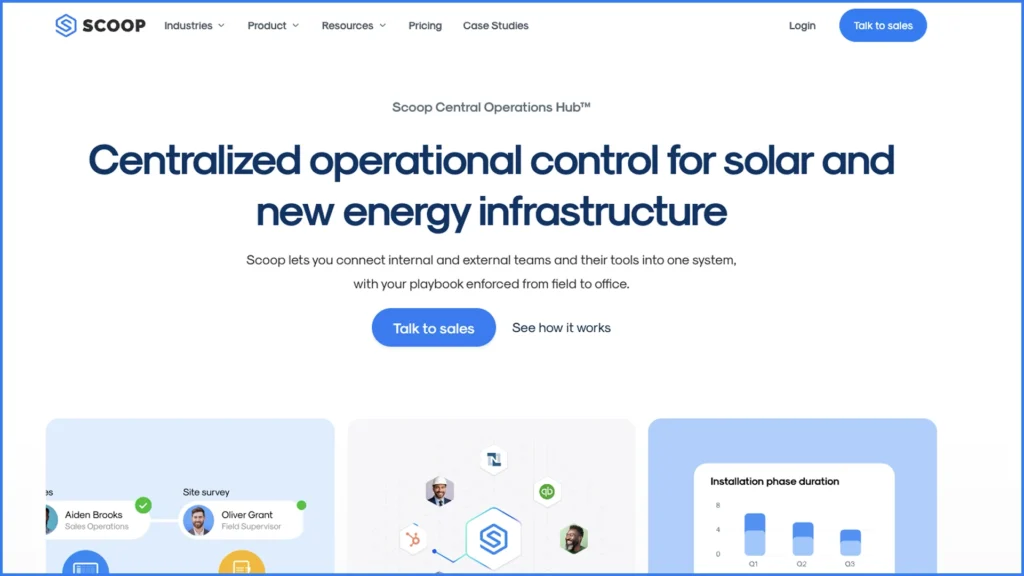
Scoop is a Central Operations Hub for solar, storage, EV charging, wind, and telecom teams. It runs the operational workflows across the tools you already own, so scheduling, field execution, and reporting sit on one layer while the CRM keeps sales, the accounting platform keeps the financials, and the design software keeps layouts.
On the scheduling side, field service scheduling software in Scoop covers skill-based dispatch assignments, drag-and-drop schedule changes, a shared crew schedule view, real-time job status updates, and automated task creation that fires the next step the moment the previous one closes. Same-day changes and multi-trade workflows are handled on the same board, and live multi-site status tracking means a coordinator can see every crew at once rather than calling round.
What separates Scoop from a scheduling engine is what happens after dispatch. The mobile app captures inputs even offline, so a crew at a remote site keeps working with no signal and the data syncs when it returns. Photo fields can be made mandatory, so a phase cannot close until the required photo is captured. Serial numbers are captured in the field onto the asset record, and the asset history is there the next time anyone is dispatched to that address.

Permissions are scoped to a single group in the hierarchy, so a subcontractor or partner crew works in the same system while seeing only its own group. That is how teams running subcontractor management across several regions keep one schedule without exposing the whole operation.
Integrations are handled by category rather than by a fixed connector list. CRM, accounting and invoicing, design and proposal, inventory and warehouse, monitoring and SCADA, drone and thermography, and a company’s own proprietary tools all connect to the hub, across more than 500 tools. Each connected system stays independently replaceable, which means changing your CRM changes one integration rather than raising a question about the whole platform.
Pricing
Unlimited users, storage, and devices on every plan. Every account gets a dedicated success manager plus a fractional team that helps build and maintain the workflows, rather than hands-on help being gated behind an enterprise tier.
Best For
Solar, storage, EV charging, wind, and telecom operations running installations and recurring service from the same crew base. High-volume residential installers, commercial installers running repeatable multi-site work, O&M providers with recurring service contracts, and renewable energy companies managing partner-led project delivery.
Scoop Limitations
- Scoop does not design PV systems, run shading simulations, or produce stamped plan sets. That work stays in your design tool, and Scoop connects to them.
- Built for operations and maintenance teams ready to configure the platform around how they actually run field work. That configuration takes real time from someone on the team. Companies with a dedicated owner for that setup, and the budget to see it through, get value starting on day one.
- Delivers the most value where there is a repeatable process to standardize. The more your projects follow a recognizable shape, the faster the workflow automation compounds.
Verdict
Choose Scoop if your crews split their week between new installations, service calls, and recurring O&M work, and you need one schedule, one mobile job record, and one closeout package across all three.
2. Skedulo
What Skedulo is Built For
Skedulo is a scheduling and mobile workforce platform built around the Skedulo Pulse Platform. Its Algorithmic Scheduling orchestrates resources across skills, SLAs, and capacity, and Optimization Recipes let an administrator configure how the engine searches combinations rather than accepting one fixed optimization model.
Skedulo publishes a dedicated energy, utilities, and solar page covering electricity, oil and gas, water, sewage, and energy companies, with a named solar use case for scheduling and managing appointments with technicians. It is the only platform in this ranking other than Scoop whose own pages name solar as a served segment, and Sunrun appears as a named customer.
Schedulers book appointments against team capacity, assign resources on skills and travel time, dispatch work with SMS and push notifications, and manage leave and unavailability. Mobile workers get an iOS and Android app with forms, mapping, routing, and signature capture. Four AI agents, covering scheduling, development, administration, and mobile, are listed as going live during 2026.
Pricing
Not publicly listed. Skedulo publishes two user-role packages, Schedulers and Mobile workers, both quoted on request. Its own wording is per user per month with minimum licenses, and volume-based pricing for organizations with hundreds of mobile workers.
Best For
Organizations dispatching a large mobile workforce across many short, repeatable appointments, where the scheduling engine itself is the hardest part of the operation.
Skedulo Limitations
- Scheduling and mobile work are the core of the platform, so the project record, asset history, and client-ready closeout package pair with a system of record alongside it.
- The minimum license count is not published, which matters when you are sizing a pilot for a small dispatch team.
Verdict
Skedulo is the alternative when scheduling volume is the whole problem, the jobs are short and repeatable, and the record of what happened on site already lives in another system.
3. ServiceTitan

What ServiceTitan is Built For
ServiceTitan is an end-to-end platform for residential and commercial trades, and its scheduling capability splits across two named products. Dispatch Pro covers Dispatch Assist, the Dispatch Pro Console, full automation, goal-based settings, drive time settings, custom start and end points, and a job value predictor, all running on Titan Intelligence. Scheduling Pro covers 24/7 online booking with real-time availability pulled from the dispatch board, job types, buffers, arrival windows, blocked dates, and Reserve with Google.
At Pantheon 2025 on September 24, 2025 the company launched Atlas, an agentic layer covering reporting, technician dispatch, and marketing, alongside Adaptive Capacity and native AI customer service representatives. The existing Pro products, Scheduling Pro and Dispatch Pro among them, were bundled into a Maximize Program. ServiceTitan also agreed to acquire Conduit Tech, a LiDAR-based HVAC design and sales platform, on September 18, 2025.
The industries ServiceTitan names are trades: HVAC, plumbing, electrical, roofing, garage door, pest control, and around 20 more.
Pricing
Not publicly listed. Three tier names are published, Starter, Essentials, and The Works, and the vendor states that pricing is per technician. No figures, billing terms, or minimum license counts appear on the pricing page.
Best For
High-volume residential and commercial trade operations with 20 or more technicians, where call booking, dispatch, and revenue reporting all need to run on one platform.
ServiceTitan Limitations
- Built around residential and commercial trades, so milestone-based renewable energy project delivery pairs with a project system alongside it.
- The Dispatch Pro results published on its own product page are drawn from select customers between January 2023 and January 2025, with a stated caveat that individual results may vary.
Verdict
Choose ServiceTitan if you run a large residential trade operation and the scheduling problem is inseparable from call booking, pricebook, and revenue reporting.
4. Salesforce Field Service and Operations
What Salesforce Field Service and Operations is Built For
Salesforce Field Service and Operations, formerly Salesforce Field Service, runs scheduling inside the CRM rather than alongside it. Enhanced Scheduling and Optimization, the Dispatcher Console, and a Scheduling Agent handle assignment and route optimization, and Appointment Assistant covers customer-facing arrival updates.
Agentforce for Field Service was announced on April 9, 2025, adding autonomous appointment scheduling from May 2025, on-site troubleshooting from June 2025, and schedule-gap resolution, with Pre-Work Brief and Post-Work Summary generated by the Atlas Reasoning Engine against Data Cloud.
If your customer records, service contracts, and reporting already live in Salesforce, scheduling inside the same objects removes an integration you would otherwise have to build and maintain.
Pricing
Dispatcher $175 and Technician $175 per user per month, billed annually. Contractor Plus $80 per user per month or $32 per login. Field Service Plus $230. Agentforce 1 Field Service $650, including 1M Flex Credits and 2.5M Data Cloud Credits per organization each year. Unlimited Edition Dispatcher and Technician $330, and Field Service and Operations Plus $380.
Add-ons are priced separately: Agentforce for Field Service $125 per user per month, Asset Service Lifecycle Management $75, Visual Remote Assistant $50, Appointment Assistant $25, and Connected Assets $15,000 per organization per month.
Best For
Operations already consolidated inside Salesforce, where the field work already fits that ecosystem’s objects and reports.
Salesforce Field Service and Operations Limitations
- Field Service and Operations requires at least one Service Cloud license, and technicians and contractors require at least one Dispatcher license before they can use the scheduling tool, so $175 is never the floor for a working configuration.
- All per-user products require an annual contract, and the capabilities that make the scheduler autonomous sit in separately priced add-ons rather than in the base license.
Verdict
Choose Salesforce Field Service and Operations if Salesforce is already your system of record and you want the dispatch board inside it.
5. Microsoft Dynamics 365 Field Service
What Microsoft Dynamics 365 Field Service is Built For
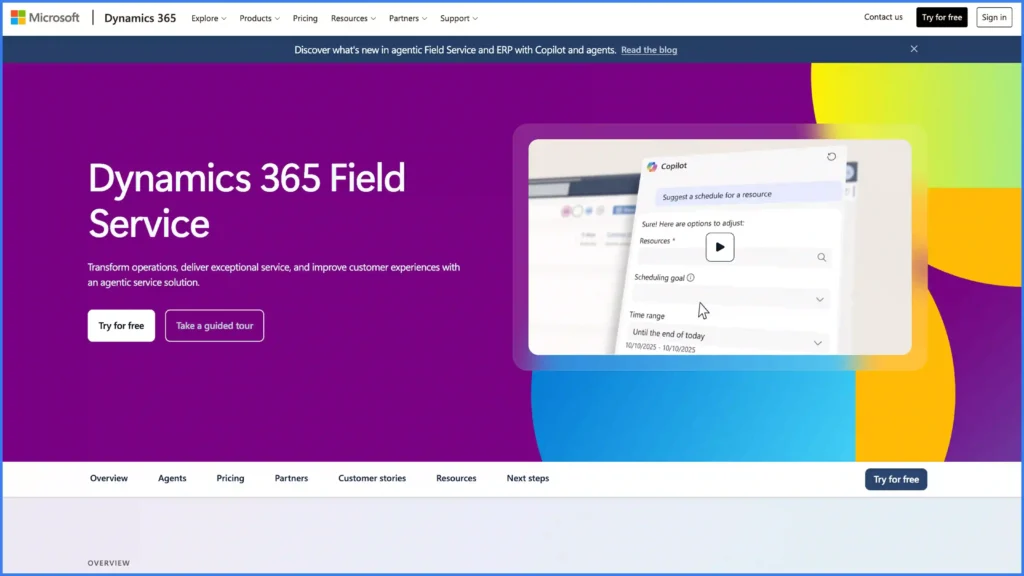
Dynamics 365 Field Service gives dispatchers a schedule board, a schedule assistant, and an optional optimization engine. The Resource Scheduling Optimization add-in automatically creates optimized schedules for resources, and the Scheduling Operations Agent equips dispatchers with an agent that optimizes technician schedules.
Microsoft described the agent’s two modes in an April 2, 2025 post: maximize utilization, and front-load high priority work. It supports historical traffic data, optimization windows of up to 72 hours, and a Gantt-chart comparison of the original and suggested schedules so a dispatcher approves the change rather than inheriting it. A June 19, 2026 update added mobile list views, booking-status custom icons, mobile-optimized notes, and lookup controls across iOS, Android, and Windows.
The full Field Service license includes Dynamics 365 Guides, Remote Assist, vendor and contractor management, scheduling, maintenance agreements, and returns processing. The Contractor license carries limited Guides and Remote Assist and reduced scheduling, and excludes maintenance agreements, returns processing, and the AI features.
Pricing
Dynamics 365 Field Service $105 per user per month paid yearly. Dynamics 365 Field Service Contractor $50 per user per month paid yearly. Resource Scheduling Optimization add-in $30 per resource per month paid yearly, assuming a single tenant deployment.
Agents run through Microsoft Copilot Studio on either a pre-purchase Copilot Credit commitment or pay-as-you-go consumption, and an Azure subscription is required.
Best For
Operations standardized on Microsoft, where Teams, Outlook, and Power BI are already the working surface for dispatchers and coordinators.
Microsoft Dynamics 365 Field Service Limitations
- Automated optimization is a separate add-in priced per resource, so the cost of the scheduling capability itself scales with the size of your crew base rather than with the number of dispatchers using it.
- The agent capabilities depend on Copilot Studio capacity and an Azure subscription, which brings a second commercial relationship into the scheduling decision.
Verdict
Choose Dynamics 365 Field Service if your operation is standardized on Microsoft and you want scheduling to sit next to the rest of that stack.
6. Simpro
What Simpro is Built For
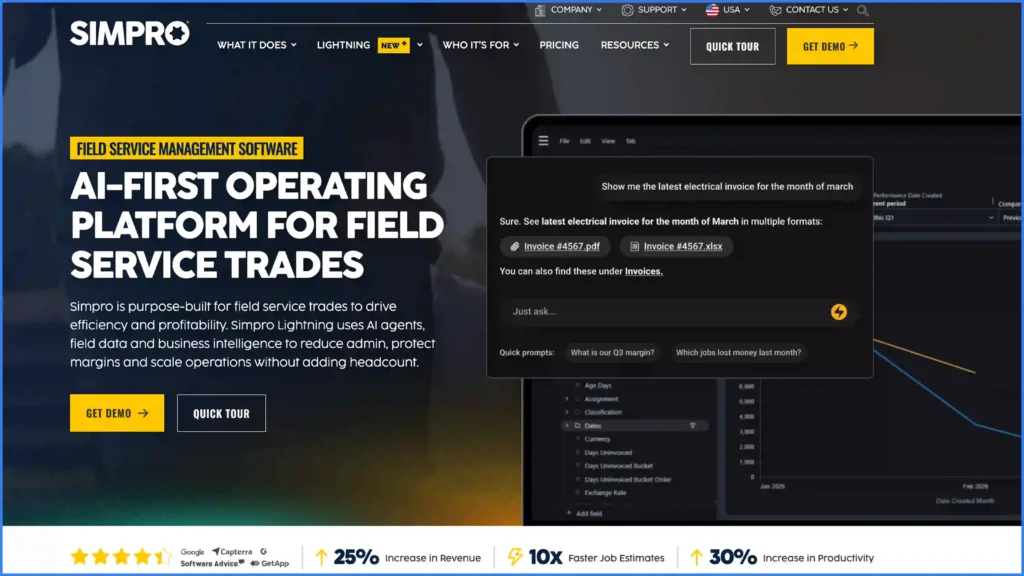
Simpro describes itself as an AI-first operating platform for field service trades, and its Schedule and Dispatch capability assigns the closest qualified technician, optimizes routes, and keeps teams moving between sites. Technicians get full job history on mobile and log labor and materials against the job, and JobScribe captures what happens on site in real time.
Quoting, scheduling, job costing, and invoicing run in the same platform, which suits a contracting business where the estimate and the schedule are in the same conversation.
Pricing
Not publicly listed. The pricing page offers a quote request and a product demo.
Best for
Trades contractors running a mix of project work and maintenance who want quoting, scheduling, and invoicing on one platform.
Simpro Limitations
- Built for trades contracting, so milestone-based renewable energy project delivery, where a job runs across permitting, procurement, installation, and commissioning, needs to pair with a project system alongside it.
Verdict
Choose Simpro if you are a contracting business and the scheduling decision is really a decision about running quoting, dispatch, and invoicing together.
7. FieldPulse
What FieldPulse is Built For
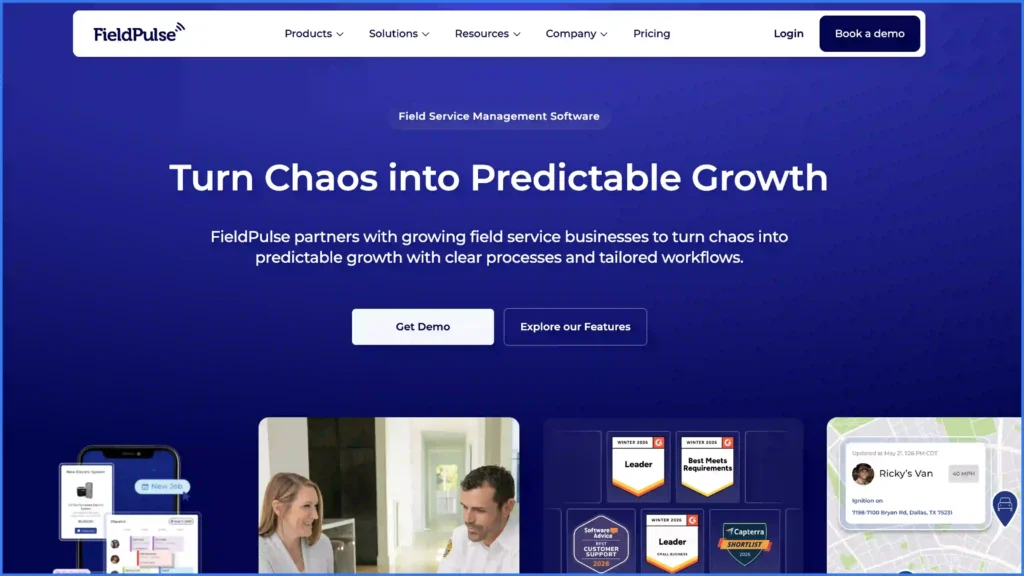
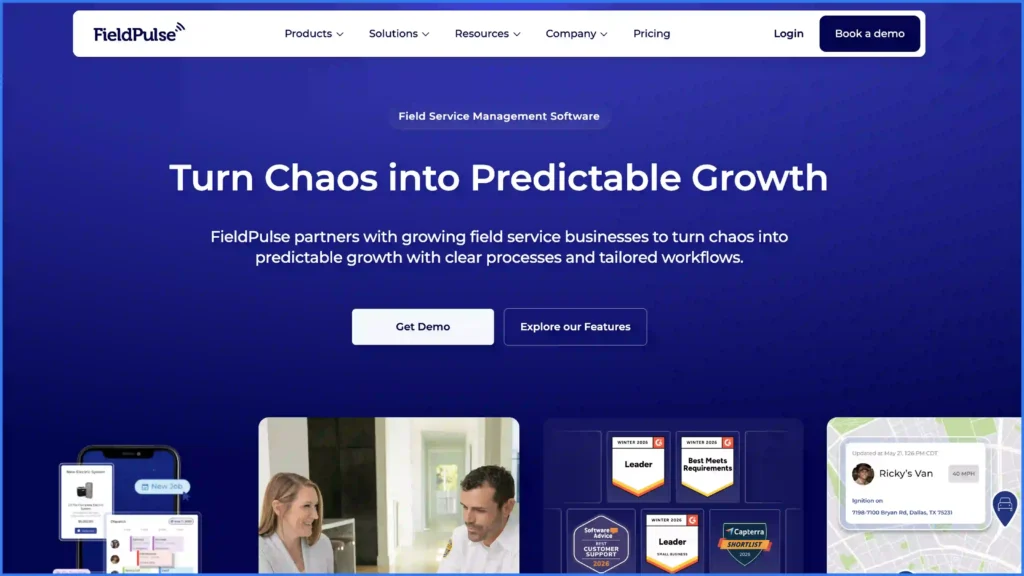
FieldPulse is built for growing service teams that want the workflow shaped around how they work. Its Scheduling and Dispatching product offers daily agendas, gantt charts, and map plots viewed by day, week, month, list, dispatch, or team member, with GPS tracking, one-click navigation, time tracking, and templated SMS notifications carrying reminders, ETAs, and location tracking.
ClearPath lets an operations lead design every workflow and hold the team to it, which is the closest thing in this group to procedure enforcement. Field Intelligence is its AI scheduling automation product, launched alongside a $50 million Series C led by Fulcrum Equity Partners on August 11, 2025. FieldPulse was named number 534 on the 2026 Inc. 5000 list.
Pricing
Not publicly listed. FieldPulse states that pricing is seat-based and built around what the team needs, quoted in one conversation. Premium products are priced separately, and its Engage phone system uses line and license-based pricing.
Best For
Growing mid-tier service teams of roughly 5 to 50 users who want custom workflows without an enterprise implementation.
FieldPulse Limitations
- Its published mobile features assume a connected job site, so crews working remote sites with no signal need a separate capture method.
- Premium products and the phone system are priced separately from the core seats, so the working cost of a configuration is a package rather than a single rate.
Verdict
Choose FieldPulse if you are outgrowing a small-business tool and want the workflow built around your process rather than the other way round.
8. Jobber
What Jobber is Built For
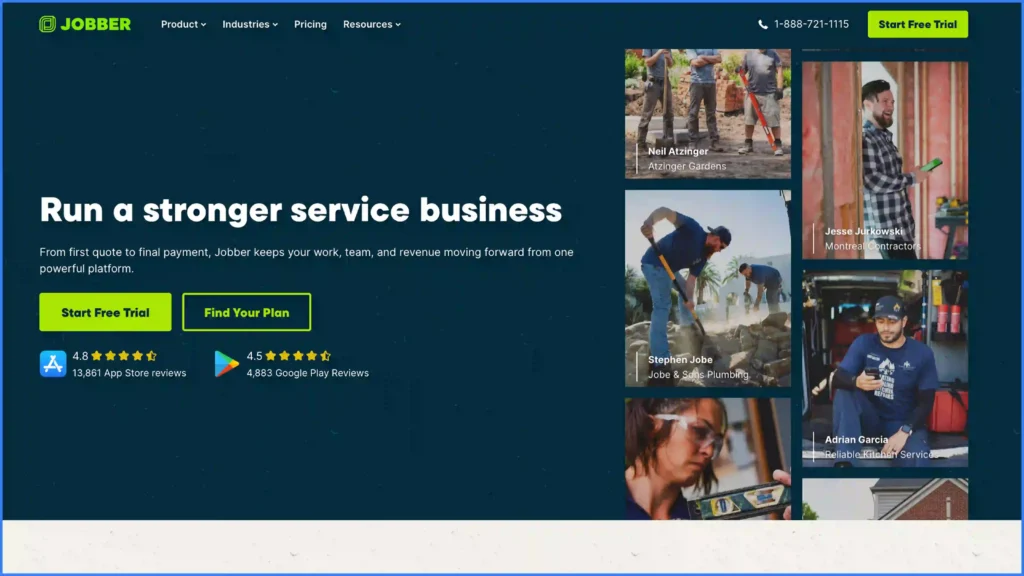
Jobber is built for small home service and trade businesses, and its scheduling is the most approachable in this group. Job Scheduling creates and assigns jobs straight into the calendar, Find a time assigns the right crew based on availability, and Routing and GPS Tracking covers optimized routes, on-the-go route adjustments, and live vehicle location. Team Notifications flag new assignments, reschedules, and cancellations in real time.
The drag-and-drop calendar remembers your filters, appointment reminders and on my way alerts go out automatically, and recurring jobs are handled natively. Jobber lists 45 trades on its industries page and reported passing 100,000 customers and 100 app integrations in 2026.
Pricing
Core $49, Connect $139, and Grow $199 per month, each including one user. Plus is $499 per month including 5 users. Additional users are $29 per month each. Annual billing saves up to 25%, and the 14-day trial requires no credit card.
Best For
One to five person service businesses that need a shared calendar, automatic customer reminders, and invoicing without an implementation project.
Jobber Limitations
- Base plans include a single user, so the cost of scheduling rises with every crew member you add to the board.
- Its scheduling assigns on availability rather than on certifications, so work that must go to a specifically qualified technician needs a manual check.
Verdict
Choose Jobber if you are a small team, your jobs are short, and you want the schedule, the reminder, and the invoice handled in one place from day one.
9. Housecall Pro
What Housecall Pro is Built For
Housecall Pro is built for residential home service businesses, and customer communication is the strongest part of its scheduling. Dispatch View gives a drag-and-drop board with color-coded job status and multi-visit jobs, Route Mapping builds efficient routes, Vehicle GPS tracks technicians in real time with GPS-powered ETAs, and on my way texts go out automatically with live tracking attached.
Online Booking, a customizable calendar color-coded by area or employee, recurring service plans, and automated job reminders round out the scheduling side. Housecall Pro names 37 trades and claims over 200,000 pros across more than 50 industries.
Pricing
Basic $59, Essentials $149 with 5 users, and Max $299 with 8 users, all billed annually. Billed monthly the same plans are $79, $189, and $329. Additional users on Max are $35 per month each. The 14-day trial gives full access to Max features and requires no credit card.
Best For
Residential home service teams where customer communication and repeat bookings drive the business.
Housecall Pro Limitations
- Its published mobile features assume a connected job site, so crews working remote sites with no signal need a separate capture method.
- Scheduling is organized around the residential visit, so multi-day work that runs across permitting, procurement, and commissioning should be paired with a project system alongside it.
Verdict
Choose Housecall Pro if your customers are homeowners and the difference between a good day and a bad one is whether they know when the technician is arriving.
10. Workiz
What Workiz is Built For
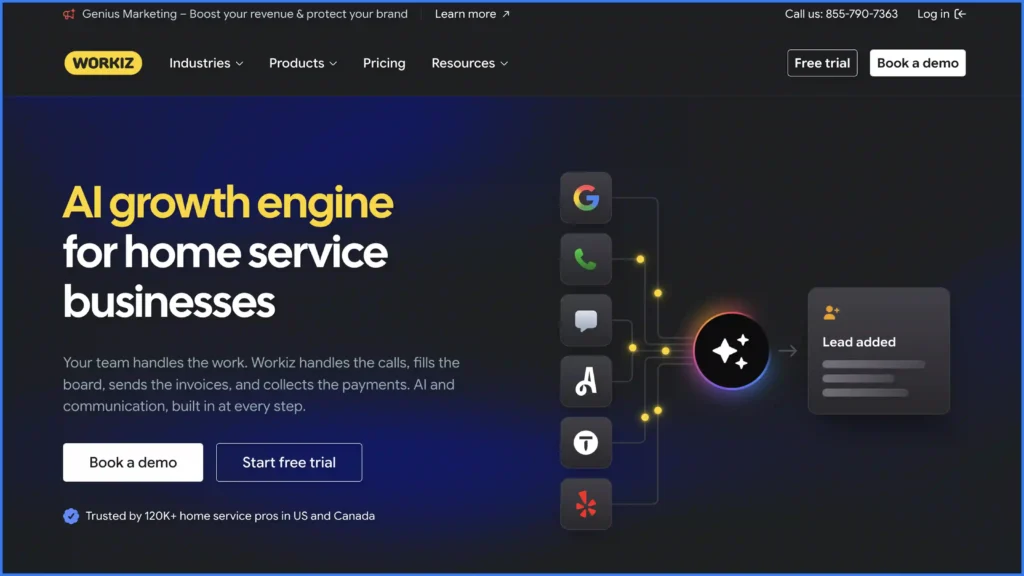
Workiz is built for home service trades where inbound calls drive the schedule. Genius scheduling uses AI to find optimal service call times based on technician availability and skill sets, which makes it the only platform in this group besides Scoop and Skedulo with a named skill-matching claim. The drag-and-drop calendar shows each technician’s route and lets a dispatcher rearrange appointment times to reduce travel.
Genius Answering handles calls, emails, and texts with automatic job booking and technician dispatch, and Jessica, the named AI assistant, handles automated job assignments. Location Tracking, on my way messages, service areas, multi-day jobs, online booking, and subcontractor support are all named features. Workiz connected its HVAC and plumbing network to JB Warranties on July 9, 2025, letting users sell extended service contracts and act as preferred providers on warranty claims.
Pricing
Not publicly listed. Three tiers are published, Standard, Pro, and Ultimate, each routing to a demo request. The pricing page states that annual subscriptions save $400 or more against monthly billing.
Best For
Home service trades with 23 named verticals, where call volume rather than crew size is the constraint on how many jobs get booked.
Workiz Limitations
- Genius scheduling optimizes on availability and skill sets, so sequencing a route across a wide service area needs a separate mapping step.
- Scheduling is built around the service call, so multi-phase project work pairs with a project system alongside it.
Verdict
Choose Workiz if the bottleneck is answering the phone and getting the job on the board, not managing the job once it is there.
11. Zoho FSM
What Zoho FSM is Built For
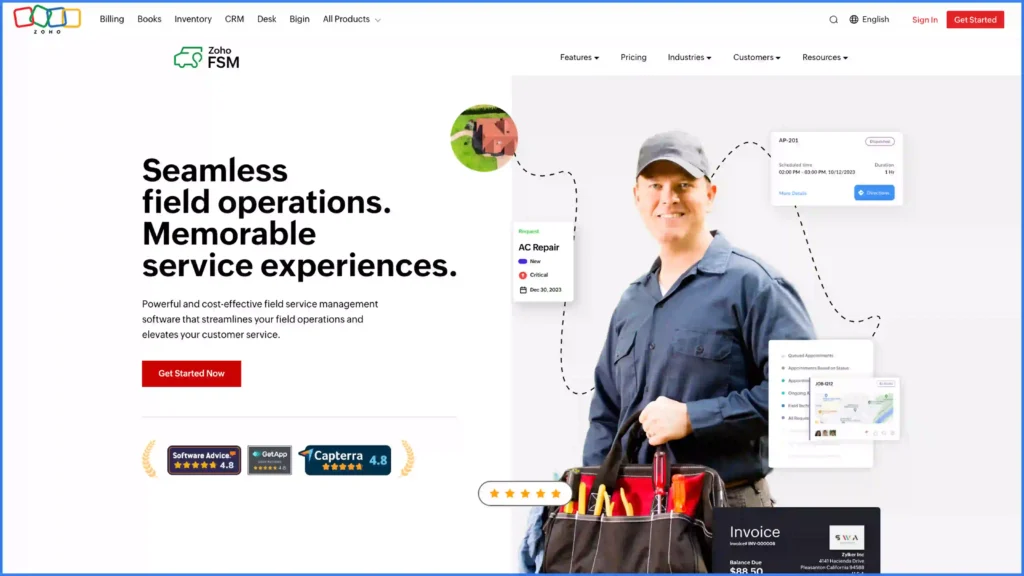
Zoho FSM gives dispatchers a Dispatch Console with gantt, grid, calendar, and map views, plus Field Agent Live Location Tracking from the Standard plan upward. Calendar views show day and week on Free and Standard, and day, week, and month on Professional and Premium. Trips per appointment are capped at 20, 50, and 100 across the three paid tiers.
The pricing model is the reason this platform is on the list. Zoho charges on the number of appointments you create rather than on seats, so a 200-person operation with predictable dispatch volume pays the same as a 20-person one with the same volume.
Pricing
Free with 20 users and 30 appointments per month. Standard $30 per month or $300 per year, Professional $45 or $420, and Premium $55 or $480, each at the base tier of 60 appointments per month. Additional appointments are charged on volume across published tiers running up to 50,000 appointments per month, and each additional set of 50 invoices costs $5. Appointment credits equal to 10% of appointments purchased are granted each cycle and are valid only within that cycle.
Best For
Service businesses with predictable monthly appointment volumes and a large administrative user base relative to the number of jobs.
Zoho FSM Limitations
- Pricing is metered on appointment volume, so an unusually heavy dispatch month raises the bill, and unused appointments do not carry into the next month.
- No route optimization engine is named on its own product pages, so travel sequencing is a manual decision on the Dispatch Console.
Verdict
Choose Zoho FSM if your appointment volume is steady and predictable, and you would rather pay for jobs than for seats.
Which Field Service Scheduling Software Should You Choose?
The right platform depends on what your crews are dispatched to do.
- If you run recurring O&M and service contracts on assets you maintain for clients, choose Scoop. Preventive maintenance schedules, asset history, SLA-ready audit trails, and the dispatcher to technician to client-report handoff all run in one place, which is what reduces repeat visits to the same site.
- If your crews split the week between new installations and service calls, choose Scoop. One board carries both, and the job record that closes an installation is the same record the service technician opens 18 months later.
- If you are a solar installer who wants project management and scheduling connected to the CRM you already run, choose Scoop and keep the CRM. Scoop runs the operational workflows across it rather than asking you to move your sales data.
- If scheduling a large mobile workforce of short, repeatable appointments is the whole problem and the job record lives elsewhere, Skedulo is the alternative.
- If you run a residential trade operation with 20 or more technicians and call booking drives dispatch, choose ServiceTitan.
- If your operation is already consolidated inside Salesforce, choose Salesforce Field Service and Operations, and budget for the Service Cloud and Dispatcher licenses it requires underneath.
Stop Paying for Tools That Do Not Talk to Each Other
If you recognized your own operation somewhere in this list, with a dispatch board in one tool, job photos in another, and a spreadsheet holding the handoff together, that gap is where your margin is going. Every repeat visit, every missing commissioning photo, and every late invoice comes out of the same budget you are trying to protect. The demand is not going to ease off either: the Bureau of Labor Statistics projects employment of solar photovoltaic installers to grow 37% from 2025 to 2035, with about 4,200 openings a year, and about 569,000 annual openings across installation, maintenance, and repair occupations as a whole.
Start with a 20-minute discovery call and bring one week of your real dispatch board. We will map it end to end in Scoop, show you where jobs stall between the calendar and the invoice, and tell you honestly if we are not the right fit. Book a demo when you want to see it running your workflow. No credit card, no obligation, and we respond the same business day.
Frequently Asked Questions About Field Service Scheduling Software
Which field service management software for solar companies optimizes technician scheduling and dispatch?
Scoop is the field service management software built for solar companies that need technician scheduling and dispatch optimized around real installation and service work. It covers skill-based dispatch assignments, drag-and-drop schedule changes, a shared crew schedule view, and live multi-site status tracking, with offline mobile capture so a crew at a remote array keeps working with no signal. Skedulo also names solar on its own energy and utilities page and optimizes scheduling across skills, SLAs, and capacity, without carrying the project record. The wider capability set is covered on our field service management software page.
What CRM systems are recommended for solar installers who want integrated project management and scheduling?
Keep the CRM you already run and connect it, rather than replacing it with a platform that tries to do everything. Scoop connects to CRM, accounting and invoicing, design and proposal, inventory, and monitoring categories across more than 500 tools, and runs project management and scheduling as an operations layer across them. That keeps every connected system independently replaceable, so changing your CRM in two years changes one integration rather than the whole platform. If your operation is already consolidated inside Salesforce and intends to stay there, Salesforce Field Service and Operations puts scheduling inside the same objects, with at least one Service Cloud license and one Dispatcher license required underneath.
What tool can automate solar installation project scheduling coordination?
Scoop automates solar installation project scheduling coordination through automated task creation, where closing one phase fires the next task and notifies its owner without anyone re-entering the job. Mandatory photo fields stop a phase from closing until the required photo is captured, and permissions scoped to a single group let subcontractor crews work the same schedule while seeing only their own work. Our guide to solar installation scheduling covers the phases this applies to, from permitting through commissioning.
What is the best field service scheduling software for O&M and recurring service work?
Scoop is the strongest option for O&M and recurring service work, because preventive maintenance schedules, warranty and SLA evidence, asset history, and the dispatcher to technician to client-report handoff all run in one system. Pacific Power Solutions built a leading O&M business on it, scaling 15x from a two-person operation to 30 field technicians running upwards of 10 active commercial projects a month, with completed reports routed automatically to the dispatch team for review before they reached the client.
How much does field service scheduling software cost in 2026?
Published prices across the platforms in this ranking run from $30 per month for Zoho FSM Standard at 60 appointments, through $49 per month for Jobber Core and $59 per month for Housecall Pro Basic, up to $105 per user per month for Microsoft Dynamics 365 Field Service and $175 per user per month for a Salesforce Dispatcher license. ServiceTitan, Simpro, FieldPulse, Workiz, and Skedulo quote on request. The units do not compare directly, because a per-seat price, a per-appointment price, and a per-resource optimization add-in are charging for three different things.
What is the difference between field service scheduling software and appointment booking software?
Appointment booking software such as Calendly, Acuity Scheduling, or Square Appointments puts a slot in a calendar and confirms it with the customer. Field service scheduling software assigns the job to a qualified technician, routes them to a site, carries the job packet to their phone, captures what happened, and closes the work order so it can be invoiced. Shift scheduling tools such as Deputy and When I Work answer a third question, which is who is working today. Our guide to field service scheduling walks through the models in detail.
Does field service scheduling software work offline?
Offline capability varies widely and it is worth confirming before you buy, because remote sites are exactly where it matters. Scoop’s mobile app captures offline, holding photos, readings, and signatures until the device reconnects, which is what keeps crews productive at remote arrays, tower sites, and substations. Several platforms in this ranking publish mobile features that assume a connected job site, so ask the vendor directly what happens when a technician loses signal mid-job. The operational case for closing that gap is covered in our piece on the benefits of field service management software, and the same requirement drives telecom field service management, where crews work tower sites with no reliable coverage.
Disclosure
Scoop makes one of the platforms on this list and ranks it first. Our evaluation is editorial opinion based on published vendor information, product documentation, hands-on use, and what we hear from field service operations teams, rather than an independent audit. Pricing was verified on September 20, 2026 from each vendor’s published pricing page. Vendors change pricing without notice and many negotiate, so confirm before you buy. Where a vendor does not publish pricing we say so plainly. All product names and trademarks belong to their respective owners, and no affiliation or endorsement is implied. If something here is wrong or out of date, tell us and we will correct it.